
Good news, the Navigator range has BIM files! Whether you're modelling in Revit, checking light levels or simply need accurate product data, the files are now available to download, to help with lighting specification.
How do I access the files?
The BIM files are available to download directly from the individual product pages.
- Head to the product.
- Scroll down to below the finish options + add to cart buttons.
- There's a document section which has the BIM files, installation guides and datasheets.
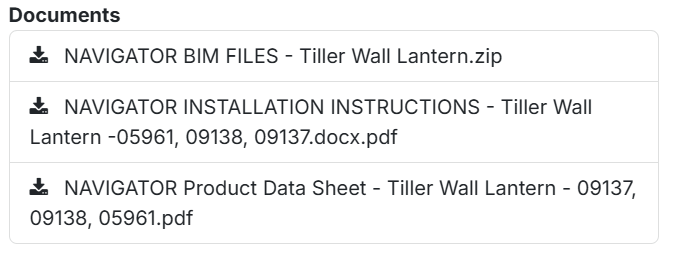
- Click on the BIM files and that will download a ZIP file containing all the BIM files.
What file types are available?
Revit, IES and IFC files are available, if you'd like another format, just let us know.
Do I need to be logged in to download the files?
No, you do not need to be logged in to access the files. The files are free to download.
What Navigators have BIM files available?
Below is a list of all the models that currently have BIM files available. We're working on updating the rest of the range, so if there's a style you would like BIM files for please reach out to us.